
Core Web Vitals in 2026 — What Actually Matters for Rankings
Lighthouse scores don't rank pages. Real user metrics do. Here's how to fix the Core Web Vitals that actually move SEO — LCP, INP, and CLS — and keep them fixed as your site grows.
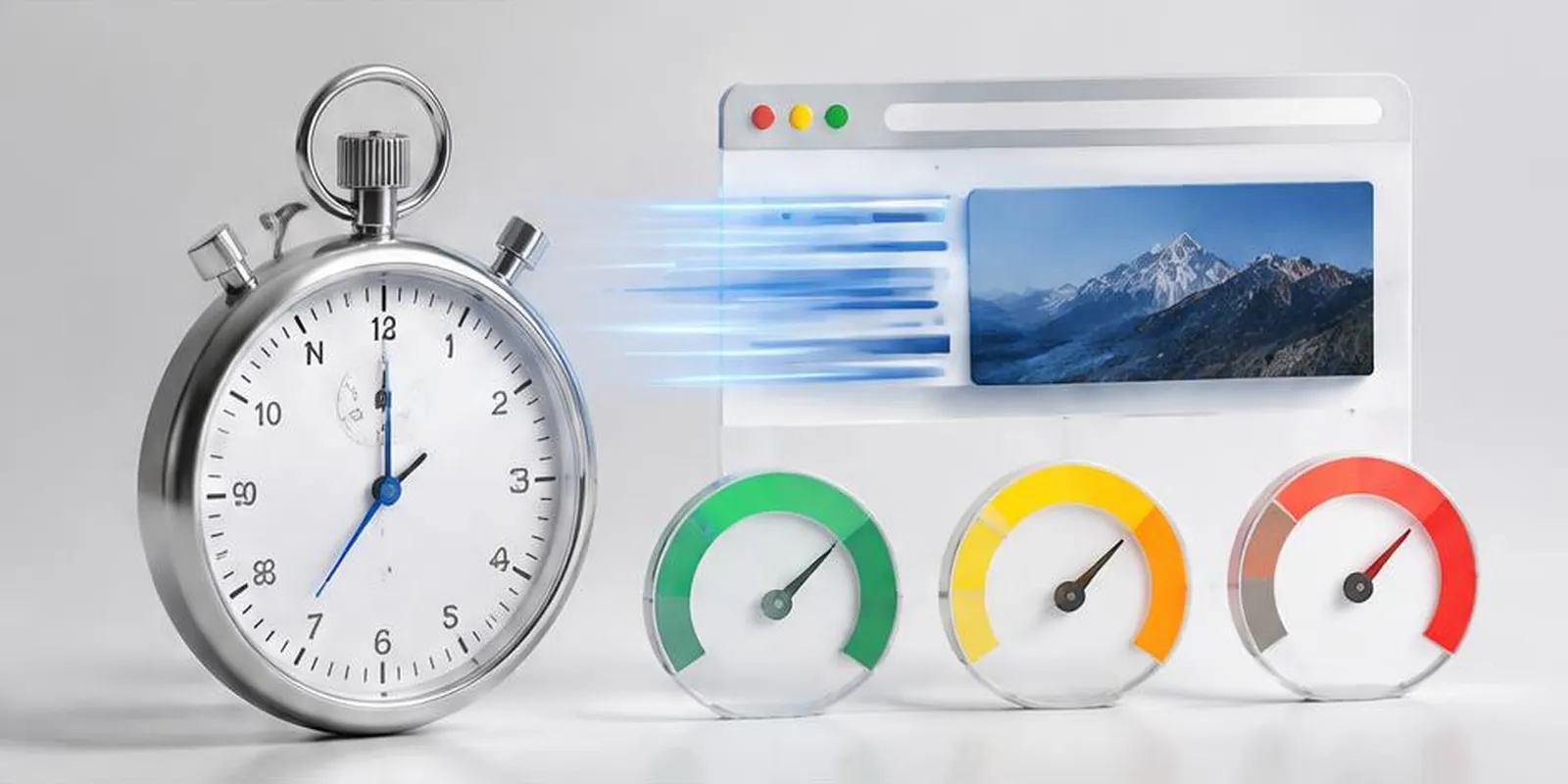
Every team has someone who obsesses over Lighthouse. And every team eventually learns the hard truth: Lighthouse is a proxy. Google ranks based on real user metrics — LCP, INP, and CLS measured across your actual traffic.
Here's how to fix the Core Web Vitals that actually move SEO.
The three metrics
LCP (Largest Contentful Paint) — How fast your main content appears. Target: <2.5s.
INP (Interaction to Next Paint) — How fast your page responds to interactions. Target: <200ms.
CLS (Cumulative Layout Shift) — How much your layout jumps. Target: <0.1.
Each measures a different dimension of user experience. All three matter.
How to fix LCP
Preload hero images (<link rel="preload" as="image">)
Use modern image formats (AVIF, WebP)
Serve from CDN with edge caching
Reduce server response time (TTFB <600ms)
Eliminate render-blocking resources (CSS, JS)
Use fetchpriority="high" on the hero element
The fastest LCP win is usually image optimization + CDN.
How to fix INP
Reduce JavaScript execution time
Split long tasks (break into smaller chunks)
Defer non-critical scripts (<script defer>)
Use Web Workers for heavy computation
Avoid layout thrashing
Debounce expensive event handlers
INP is JavaScript-bound. The fewer bytes the browser must process, the faster it responds.
How to fix CLS
Set explicit width/height on images and iframes
Reserve space for ads, embeds, and dynamic content
Avoid injecting content above existing content
Use font-display: swap with preloaded fonts
Don't animate properties that trigger layout (use transform/opacity)
CLS is about predictability. If elements never move, CLS is 0.
Measuring in production
Lab tests (Lighthouse, WebPageTest) tell you what's possible. Real user metrics (RUM) tell you what's happening.
Use:
web-vitals library — Client-side RUM
Vercel Analytics — Built-in for Vercel deployments
Cloudflare Web Analytics — Free RUM
Google Search Console — CWV report from real users
Track field metrics, not just lab scores.
Enforcing budgets in CI
Lighthouse CI in PR checks
Fail builds when scores drop below threshold
Track bundle size on every PR
Alert on LCP regression from production
Budgets prevent silent drift. Sites get slower one PR at a time without them.
What we typically find
Hero images too large (>500KB)
Fonts blocking render
Third-party scripts dominating JS execution
Missing image dimensions causing CLS
Unnecessary polyfills shipped to modern browsers
Common mistakes
Optimizing only for Lighthouse (not RUM)
Ignoring INP because "it was fine before"
Adding scripts without measuring cost
Not enforcing budgets in CI
Treating CWV as a one-time project
Key takeaways
- Real user metrics beat lab scores — track both
- LCP <2.5s, INP <200ms, CLS <0.1
- Fixes differ per metric — measure first
- Modern images + CDN = fastest LCP win
- Enforce CWV budgets in CI to prevent regressions
Further reading
About the author
Senior Web Engineer →Senior Web Engineer · Quality Assurance Labs