Cross-Browser Testing Matrix for 2026
Your app renders differently on every browser. But you can't test every version. Here's how to build a cross-browser testing matrix that catches the bugs that matter — without wasting resources on browsers your users don't use.
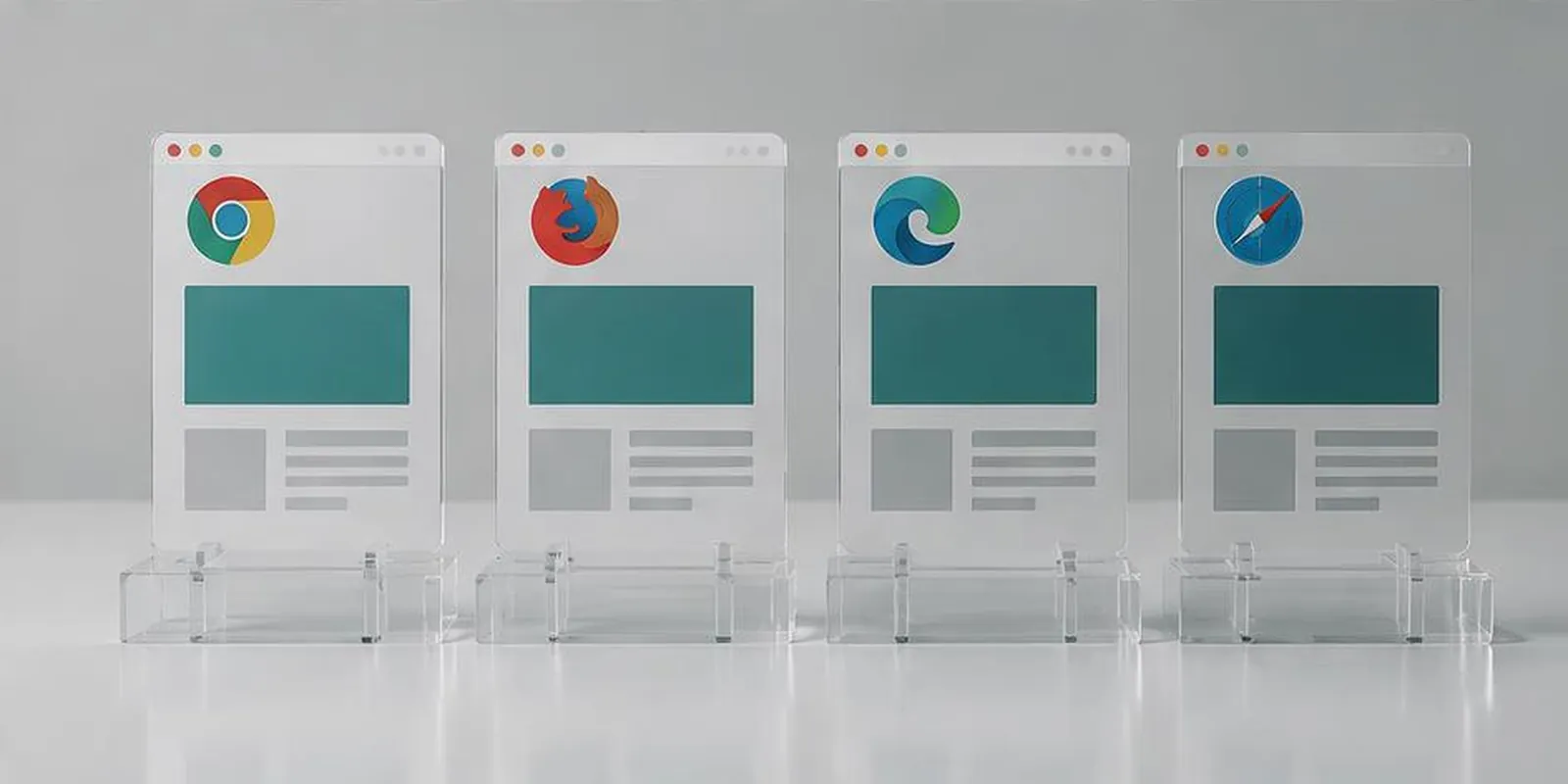
Cross-browser testing is the discipline of ensuring your web app behaves consistently across every browser your users might use.
The browsers that matter in 2026
Chrome / Chromium (~65%)
Safari (~18%)
Edge (~5%)
Firefox (~3%)
Samsung Internet (~3%)
Legacy (<1%)
Testing Chrome, Safari, Firefox, Edge covers 90%+ of users.
Why testing just Chrome isn't enough
WebKit-specific APIs (Safari)
Gecko-specific behaviors (Firefox)
OS-specific UI (scrollbars, form controls)
Privacy features (ITP, tracking prevention)
How to build a cross-browser matrix
Identify priority browsers from analytics
Test at three breakpoints (1920, 768, 375)
Test critical flows — not every page
Run automated checks first (Playwright multi-browser)
Manual test on Safari and Firefox
Common cross-browser bugs
CSS Grid/Flexbox rendering differences
Date input handling
Form autofill behavior
Video/audio codec support
WebGL/canvas rendering
Font rendering
Scroll behavior and smooth-scrolling
Position sticky edge cases
CSS custom properties in older Safari
LocalStorage/IndexedDB quota differences
Automating cross-browser testing
Playwright's multi-browser support handles Chromium, Firefox, WebKit. For broader coverage, use BrowserStack or LambdaTest.
When to test on real browsers
Automated tests catch structural bugs. Manual testing on real browsers catches rendering, interactive, OS-specific, performance, and real UX bugs.
Key takeaways
- Test Chrome, Safari, Firefox, Edge — 90%+ coverage
- Safari and Firefox are where bugs hide
- Use Playwright for multi-browser automation
- Test critical flows, not every page
- Combine automation with manual Safari/Firefox checks
Further reading
About the author
Senior QA Engineer →Senior QA Engineer · Quality Assurance Labs