Wearable & IoT Development in 2026
Wearables and IoT are growing fast. But they're harder to build for than phones — battery, sensors, network, and cross-device sync all behave differently. Here's the playbook we use.
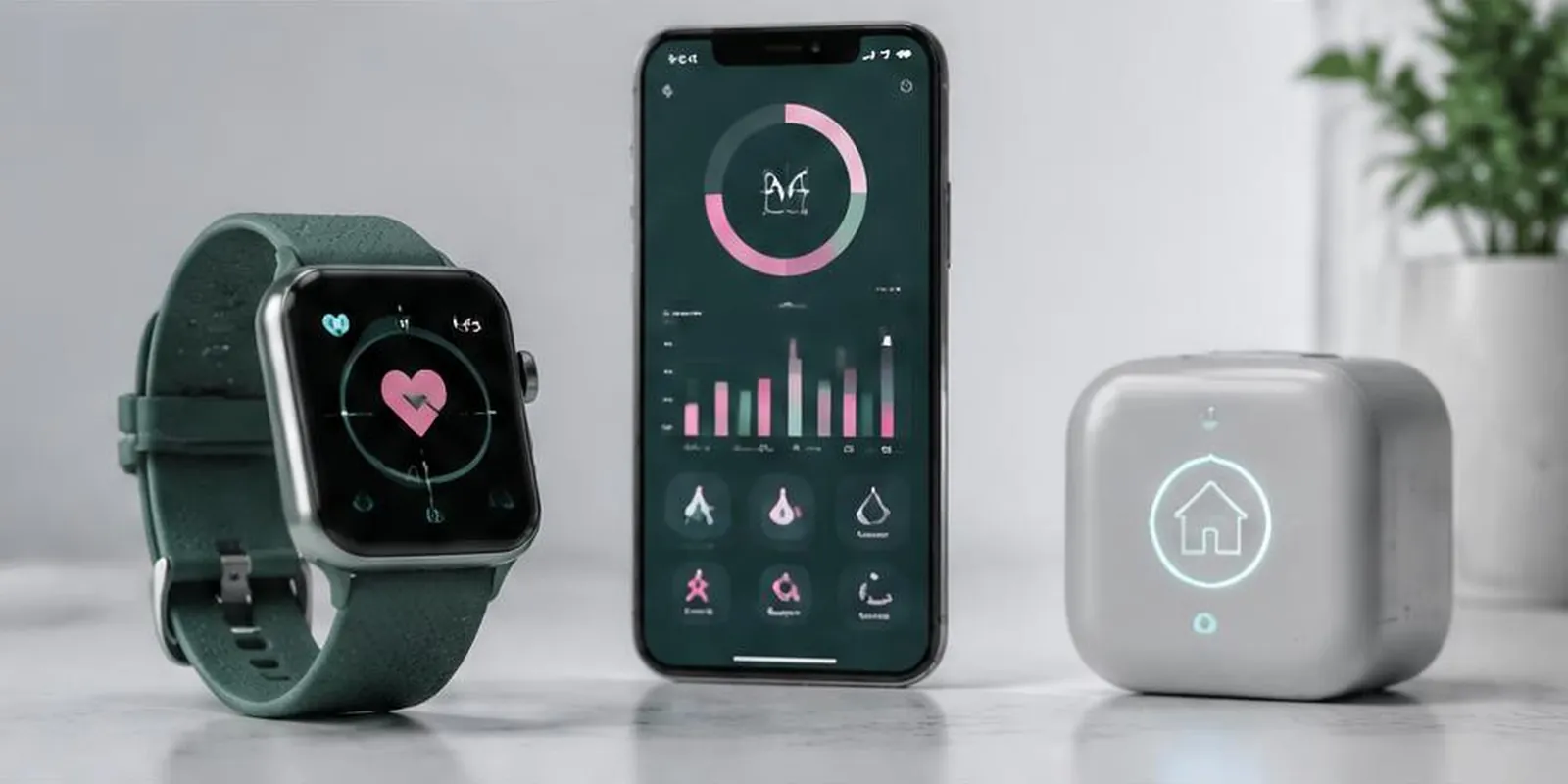
Wearables and IoT are the fastest-growing segment of mobile. Apple Watch, Wear OS, smart home devices, and industrial IoT are all expanding. But building for these platforms is not the same as building for phones.
Here's the playbook we use for wearables and IoT.
The platforms
watchOS — Apple Watch apps, complications, widgets
Wear OS — Google's wearables platform
HomeKit / Matter — Smart home integrations
Industrial IoT — Custom protocols (MQTT, LoRaWAN, BLE)
What makes wearables different
Battery life — Apple Watch has <1 day battery. Every milliwatt counts.
Screen size — Tiny displays require different UX patterns
Sensors — Heart rate, accelerometer, gyroscope, GPS
Connectivity — Bluetooth to phone, LTE, WiFi
Complications — Small glanceable UI elements
What makes IoT different
Always-on devices — Long-running, low-power
Custom protocols — MQTT, CoAP, BLE, LoRaWAN
Constrained compute — Microcontrollers, edge devices
Firmware updates — Must be reliable, rollback-capable
Security — Devices are attack targets
Battery optimization
The #1 engineering challenge for wearables and IoT:
Batch network requests
Use background tasks sparingly
Minimize wake-locks
Prefer low-power sensors
Compress data before transmission
Leverage system frameworks (Workout, HealthKit on watchOS)
We've cut battery drain by 60%+ on wearable apps through sensor tuning alone.
Cross-device UX
Wearable and IoT products usually have a companion phone app. The experience must work across both:
What's on the watch vs the phone?
How does data sync between devices?
What happens when only one is available?
How does the phone app react to watch events?
Design for these states explicitly, not as afterthoughts.
Data sync
Wearables sync to phone via Bluetooth or WiFi. IoT syncs to cloud or gateway.
Sync frequency — Balance freshness with battery
Conflict resolution — Last-write-wins or domain-specific
Offline queueing — Local storage until network available
Background sync — Respect OS constraints
Sensor integration
Common sensors:
Accelerometer / gyroscope (motion)
Heart rate (wearables)
GPS (outdoor)
Temperature, humidity (environmental IoT)
Proximity, ambient light
Test sensors on real hardware. Simulators don't capture real-world behavior.
Testing wearables and IoT
Test on real hardware (not simulators)
Test battery over real usage patterns
Test sensor accuracy vs ground truth
Test sync under poor connectivity
Test firmware update and rollback flows
Test cross-device UX with only-watch, only-phone, both
Common mistakes
Treating wearable as a small phone
Ignoring battery in architecture
Not testing on real hardware
Skipping cross-device UX design
Not planning for offline sync
Weak security on IoT devices
Key takeaways
- Wearables and IoT have unique constraints
- Battery is the #1 engineering challenge
- Cross-device UX must be designed explicitly
- Sensors require real-hardware testing
- Security matters more on IoT than anywhere
Further reading
About the author
Senior Mobile Engineer →Senior Mobile Engineer · Quality Assurance Labs