Web Application Testing Checklist for 2026
Modern web apps have five testable layers. Skipping any one ships bugs to production. Here's the full checklist we use at QA Labs — from functional to accessibility to performance.
Web applications have gotten dramatically more complex in the last five years. Client-side rendering, edge functions, microservices, third-party integrations, and real-time data have created layers of risk that didn't exist when "web testing" meant clicking through pages.
Here's the five-layer checklist we use at QA Labs. It covers everything a modern web app needs to be tested for.
Layer 1 — Functional testing
All user flows work end-to-end
Form validation catches bad input
Error states display correctly
Auth flows (signup, login, reset, logout) behave
Permission roles gate access correctly
Edge cases (empty inputs, huge inputs, invalid characters) handled
Session handling is correct
Data persists across refreshes
Layer 2 — API testing
Every endpoint returns expected data
Auth headers required and validated
Rate limits enforce
Timeouts handled gracefully
Concurrent requests don't corrupt data
Third-party integrations handle failures
Layer 3 — Visual testing
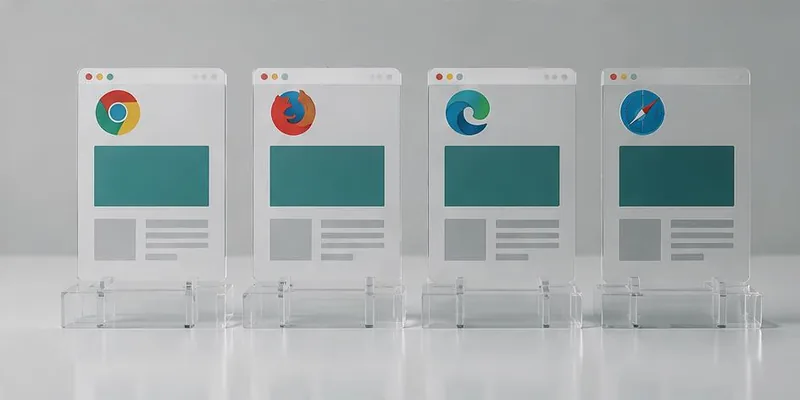
Layouts consistent across Chrome, Safari, Firefox, Edge
Responsive design works on all breakpoints
Fonts, colors, spacing match design
No layout shift on load
Images, icons, graphics render correctly
Dark mode works (if applicable)
Layer 4 — Accessibility testing
WCAG 2.1/2.2 AA compliance
Keyboard-only navigation works
Screen reader compatibility (VoiceOver, NVDA, TalkBack)
Contrast ratios meet minimums
Form labels and ARIA attributes correct
Focus states visible
Reduced-motion preferences respected
Layer 5 — Performance testing
Core Web Vitals meet targets (LCP <2.5s, INP <200ms, CLS <0.1)
Load testing at expected peak traffic
Stress testing beyond peak
API response times meet SLOs
CDN caching works
Images optimized
Bundle size within budget
How to run this checklist
Functional + API + Visual: Every release
Accessibility: Every feature touching UI
Performance: Before major releases and after infrastructure changes
Full 5-layer: Before major launches
Common mistakes
Testing only the happy path
Skipping accessibility because "users don't complain"
Ignoring visual regression until users report it
Treating performance as a pre-launch check instead of continuous
Not integrating any of this into CI
Key takeaways
- Modern web apps have 5 testable layers
- Functional + API + Visual = every release
- Accessibility = every UI change
- Performance = continuous, not one-off
- CI integration prevents regression on all layers
Further reading
About the author
Senior QA Engineer →Senior QA Engineer · Quality Assurance Labs