Mobile App Testing — The 2026 Playbook
Mobile is the hardest platform to test well. Fragmenting devices, OS versions, hardware capabilities, and store policies make it a moving target. Here's the playbook we use to test mobile apps that actually work in users' hands.
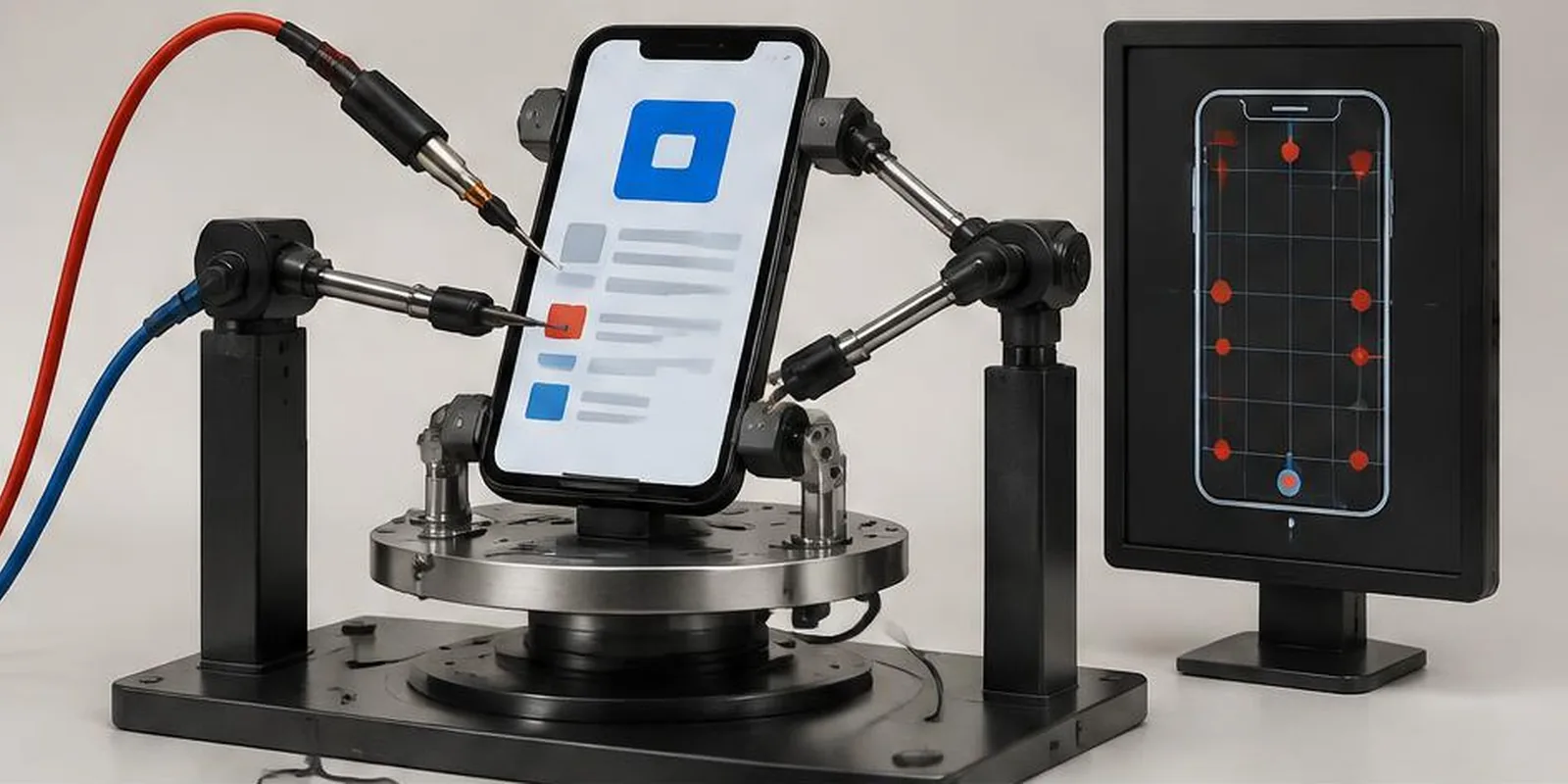
Mobile app testing is harder than web testing. Not slightly harder — dramatically harder. Devices fragment. OS versions multiply. Hardware capabilities vary. Carrier networks affect performance. App store policies change without warning.
Here's the playbook we use at QA Labs to test mobile apps that survive real users.
The device matrix problem
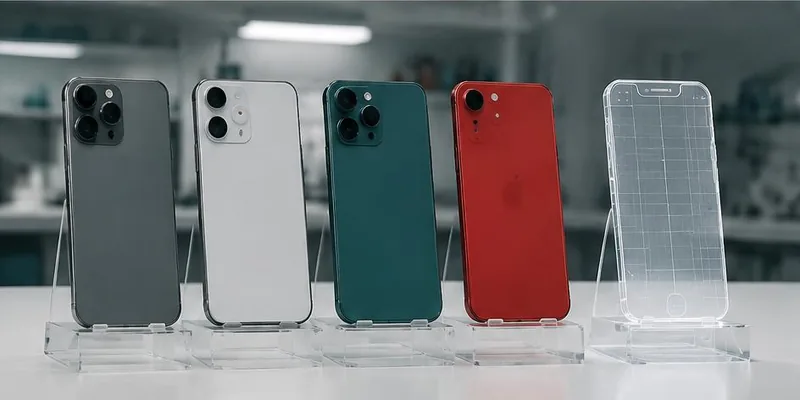
In 2026, there are over 24,000 distinct Android device models and 30+ active iOS device models. You can't test on all of them. You have to test smartly.
We build a device matrix based on three factors:
Market share — Which devices do your users actually use?
OS versions — Which iOS and Android versions cover 90% of your users?
Edge cases — Which devices stress your app's specific features?
A typical matrix covers 20–40 real devices — not 200.
Real devices vs emulators
Emulators miss about 40% of real mobile bugs. Touch responsiveness, sensor behavior, battery drain, network handoff, and OS-specific rendering all behave differently on hardware. Use emulators for fast iteration during development. Use real devices for every release.
OS version coverage
iOS: Test the last 3 major versions minimum (16, 17, 18)
Android: Test API levels covering 90% of your users (typically Android 10–15 in 2026)
What to test on mobile specifically
Touch interaction — Gestures, scroll physics, tap targets
Camera/microphone/sensors — If your app uses them, test on hardware
Notifications — Delivery, deep linking, quiet hours
Background behavior — What happens when the app is backgrounded or killed?
Battery usage — Under real usage, not benchmarks
Memory usage — Especially on low-end Android
Network handoff — WiFi → cellular transitions without dropping state
Offline behavior — Does the app work with no connection?
Device-specific UI — Notches, Dynamic Island, curved edges, tablet layouts
OS-specific permissions — Camera, location, notifications
Store compliance
Common rejection reasons:
Missing privacy disclosures
Broken deep links
Crashes on launch
Metadata mismatches
In-app purchase violations
We test store compliance before submission to avoid multi-week rejection cycles.
Performance targets for mobile
Cold startup: <2s
Warm startup: <500ms
Scroll FPS: 60fps sustained
Memory: No leaks over 30+ minutes
Battery: Comparable to peer apps
Key takeaways
- Build a device matrix based on market share + edge cases
- Test the last 3 OS versions minimum
- Real devices catch ~40% more bugs than emulators
- Test touch, sensors, notifications, battery, and offline behavior
- Store compliance testing prevents multi-week rejections
Further reading
About the author
Senior QA Engineer →Senior QA Engineer · Quality Assurance Labs